
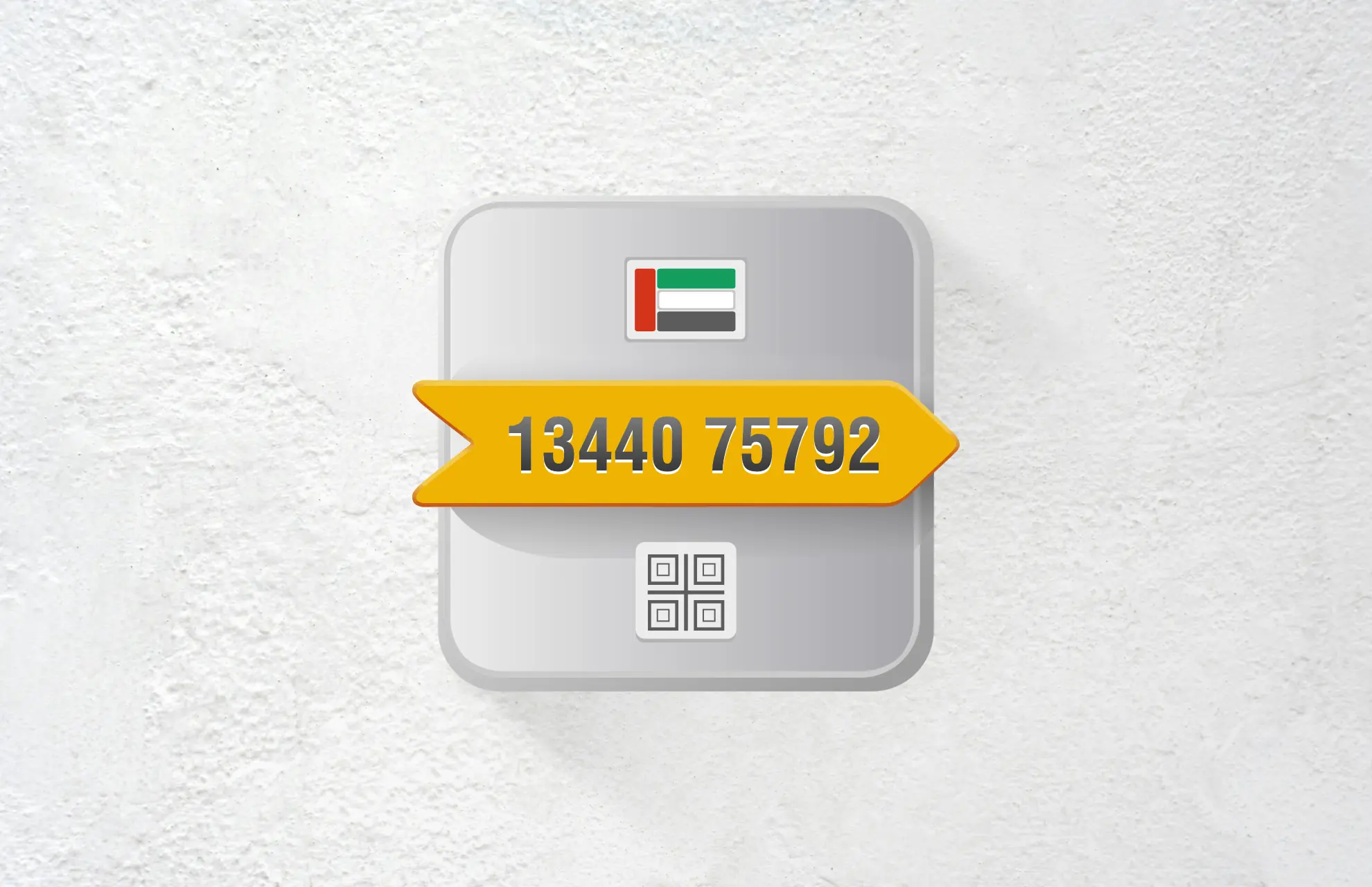
A Makani number is a unique 10-digit code pinpointing the exact entrance of any building in Dubai. The official Makani website and mobile app provide the most direct and reliable methods to find this code for any address.
Dubai’s rapid growth has made traditional addressing a challenge. The Makani system, which means “my location” in Arabic, was introduced by Dubai Municipality in 2015 to solve this. It assigns a unique 10-digit code to the main entrance of every villa, apartment building, commercial complex, and public facility in Dubai. This code has since been adopted as the official geographic addressing standard in Ajman, Ras Al Khaimah, Fujairah, and Umm Al Quwain as well.
Knowing your Makani number is essential for emergency services, navigation, deliveries, utility setups like DEWA activation, and real estate transactions, including Ejari registration. This guide focuses exclusively on online methods and covers the official website, mobile app, and alternative portals like the Dubai Land Department (DLD) Property Status Enquiry page. We also explain how to find the number for any location, not just your own.
Table of Contents
What is a Makani Number?
A Makani number is a precise digital address used across Dubai and several other emirates for accurate location identification.
The 10-Digit Geographic Code Explained
A Makani number consists of ten digits, often displayed with a space between the first five and last five digits (for example, 30032 95320). Introduced by Dubai Municipality in April 2015, the system uses geospatial coordinates to pinpoint a building’s entrance with accuracy of less than one metre. No two locations share the same identifier, making it highly reliable for navigation, property tracking, and emergency response. The name “Makani” translates from Arabic to “my location,” which perfectly reflects its purpose.
Why You Need a Makani Number?
Makani numbers are used throughout Dubai’s legal and transactional processes to verify the exact property involved in any sale, lease, or registration. You will need your Makani number for:
- Emergency services: In an emergency, providing the Makani number to police or ambulance services allows them to locate you with precision.
- Navigation: You can enter a Makani number directly into Google Maps, HERE Maps, or the official Makani app for exact directions to a building entrance.
- Property registration: The number appears in several key areas of legal processes and real estate transactions.
- DEWA activation: A valid Makani code is required to link a property to its electricity and water account.
- Ejari registration: The Makani code is cross-referenced on Ejari certificates.
- Delivery services: Providing your Makani number eliminates confusion for food and package deliveries, ensuring they reach your exact building entrance.
Methods for Finding Any Makani Number Online
The following table summarises all online methods available for finding a Makani number in Dubai in 2026. Each method varies in accessibility and required information.
| Method | Platform | Steps | Internet Required | Best For |
|---|---|---|---|---|
| Official Makani Website | Web browser (www.makani.ae) | Type place name/address, or click map location → click red pin to reveal 10-digit code | Yes | Finding any building’s Makani number using a computer |
| Official Makani App | iOS / Android | Download free app → grant location access → search or tap map → tap red pin to reveal code | Yes (plus GPS optional) | Finding Makani numbers on mobile devices with GPS and voice search |
| DLD Property Status Enquiry | Web browser (DLD portal) | Enter known property number (land number, title deed number, etc.) → system returns all associated identifiers including Makani | Yes | Property owners/tenants who have another property number |
| DEWA Display Premise Number | Web browser (DEWA portal) | Enter DEWA account details → retrieve premise number and associated property information | Yes | DEWA customers with an existing utility account |
Method 1: The Official Makani Website (www.makani.ae)
The Makani website is a free, web-based platform that allows you to search for any property’s Makani number using a place name, address, or interactive map.
Step-by-Step Guide for the Makani Website
To find a Makani number online using the official website, follow these steps:
- Step 1: Open your web browser and navigate to the official Makani website at www.makani.ae. The map of Dubai will open on the screen by default.
- Step 2: Use one of three search methods:
- Type the place name, building name, or area into the search bar located in the upper left corner of the map.
- Click directly on your desired building on the interactive map. A red pin will mark the main entrance.
- Click the location button (arrow icon) on the right side of the screen to allow the website to access your device’s current location and centre the map on you
- Step 3: Once the red pin appears on your target building, click on it. The system will then display the 10-digit Makani number for that building’s entrance.
- Step 4: Note down the 10-digit code for future reference. For buildings with multiple entrances, each entrance may have its own unique Makani number.
Searching by Address or Map Location
You can zoom in and out of the interactive map and click on any red pin to reveal its Makani number. The website also provides full details of the selected place, including street-level imagery. If you need to find a Makani number for a location that does not yet have a building (such as a vacant plot), you can click and hold the area on the map to see its code.
Method 2: The Official Makani Mobile App
The Makani mobile app, developed by Dubai Municipality, provides a portable solution for finding Makani numbers on the go.
Downloading the App
The Makani app is free to download from the official app stores. For iOS devices (iPhone and iPad), search for “Makani” in the Apple App Store. The app requires iOS 16.6 or later and has a size of 178.6 MB. For Android devices, search for “Makani” in the Google Play Store. The app is provided by Dubai Municipality and does not collect any personal data.
Step-by-Step Guide for the Makani App
Once the app is installed, follow these steps to find any Makani number:
- Step 1: Open the Makani app on your mobile phone. You will be prompted to grant location access. Allow the app to access your device’s location for automatic centering.
- Step 2: Use one of three search methods:
- Type your desired place name or address into the search box at the top of the screen.
- Use voice search by tapping the microphone icon and speaking the place name.
- Tap and hold your finger on the specific building or plot on the interactive map.
- Step 3: Once the search locates your target, a red pin will appear on the building’s entrance. Tap the red pin to reveal the building’s Makani number.
- Step 4: The 10-digit Makani number will be displayed prominently on the screen. You can copy the number, share it via communication channels, or save the location to your favourites list for future reference.
Additional App Features
The Makani app includes several advanced functions that make it more powerful than the website:
- QR code reader: Scan the QR code displayed on physical Makani plaques at building entrances to retrieve all related information instantly.
- Route planning: Plan a route with multiple destinations, view routes on the map, and receive turn-by-turn directions.
- Advanced search: Use land numbers or traditional addressing systems to specify a location and get its Makani number.
- Favourite places: Manage and save your frequently visited locations for quick access later.
- Building boundary highlighting: When you point to a building on the map in satellite or normal mode, the building boundary and its main entrance(s) are highlighted with the Makani number.
- Bilingual interface: The app supports both English and Arabic languages.
Method 3: Alternative Online Portals
If you cannot access the Makani website or app, other government portals can help you retrieve Makani numbers when you already know another property identifier.
Dubai Land Department (DLD) Property Status Enquiry
The DLD’s free Property Status Enquiry portal returns all property identifiers, including the Makani number, within seconds when at least one other number (such as the land number or title deed number) is already known. This method is useful for property owners and tenants who have access to their title deed or official documents. To use this service, visit the official DLD website, navigate to the Property Status Enquiry section, and enter any known property number. The system will display the associated Makani code along with other identifiers like the land number, sub-land number, and municipality number.
DEWA Display Premise Number Tool
The Dubai Electricity and Water Authority (DEWA) offers a dedicated “Display Premise Number” tool on its website. While this tool primarily provides the nine-digit DEWA premise number, it can also be used to retrieve associated property information, including the Makani number in some cases. To use this service, you will typically need your DEWA account details or premise information.
Offline Method: Check the Physical Makani Plaque
While this guide focuses on online methods, the fastest offline way to find your Makani number is to look for the physical blue-and-white plaque at your building’s entrance. The plaque displays the 10-digit code along with a QR code that can be scanned with the Makani app. This method works even without internet access once you are at the location.
Where to Find the Makani Plaque on a Property?
The Makani plaque is typically placed in a visible location near the main entrance of every registered property in Dubai. For villas and townhouses, look next to the main gate. For apartment buildings, check the wall near the lobby entrance or reception area. For commercial buildings, the plaque is often displayed beside the main reception desk. If the building has multiple entrances, each entrance has its own Makani plaque and unique 10-digit code.