

You’ve just bought a new du SIM, inserted it into your phone, and realized you can’t remember the number. This is a common situation for both new residents and tourists in Dubai. Fortunately, du provides several quick and free methods to retrieve your mobile number instantly.
Whether you have zero credit on your prepaid plan or are roaming internationally, there is always a way to find your du number. This guide covers eight reliable methods, from the fastest USSD codes like *116# to using the official du app and even checking your SIM card packaging. We also explain how to use the TDRA’s “Hesabati” service to view all mobile numbers registered under your Emirates ID for security purposes. Each method is verified for 2026 and works on both prepaid and postpaid du connections.
Free USSD Codes for du Number Check
USSD codes are the fastest way to get your number. These work without an internet connection and even when your account balance is zero.
Primary Code: Dial *116#
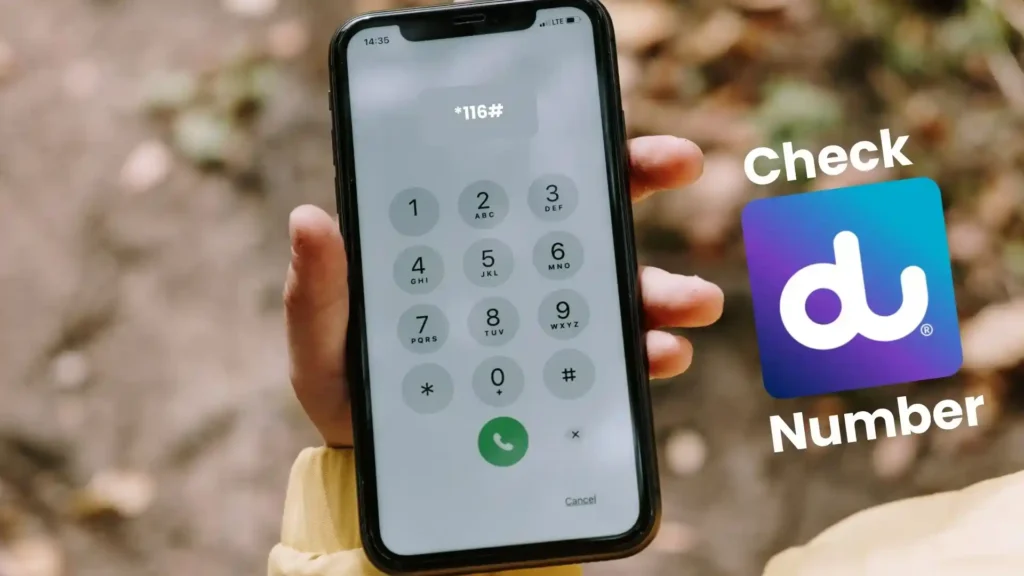
The most reliable USSD code for checking your du number is *116#. This code works on both prepaid and postpaid SIM cards and does not require an active data connection or any credit balance. To use it, open your phone’s dialer, enter *116# exactly as shown, and press the call button. After approximately 5 to 10 seconds, your du mobile number will appear as a pop-up or flash message on your screen. This method is free and works on all smartphones and feature phones, making it the recommended first choice.
Alternative Code: Dial *132#
If the primary code does not work on your plan, an alternative USSD code is *132#. Dialing this code will open a menu on your screen. Navigate to the “My Number” option within the menu to view your du mobile number. This method is also free and can be used when *116# is unresponsive due to network conditions or roaming restrictions.
SMS Methods for Number Retrieval
If USSD codes are not accessible, sending a simple text message is an effective alternative.
Text “NUMBER” to 1355
Open your phone’s messaging app and compose a new SMS. In the recipient field, enter the short code 1355. In the message body, type the word NUMBER (all uppercase is recommended) and send. Within a few seconds, you will receive an automated reply SMS containing your du mobile number. This service is provided by du’s standard short code 1355, and replies are usually instant.
Alternative SMS Code: Text to 9296
Another SMS-based method is to send a message to the short code 9296. You do not need to type any specific message body; simply sending a blank SMS to 9296 will trigger an automated reply from du containing your registered mobile number. This method works on most du lines but may not be available on all plans.
Digital Methods: du App and Customer Care
For users who prefer a digital approach or need additional account information, the du app provides the most comprehensive view of your plan.
Check Your Number in the du App
The official du Mobile App is available for free on the Apple App Store and Google Play Store. Once you have downloaded and installed the app, open it and log in using your registered mobile number or UAE Pass. If you have forgotten your password, you can reset it using the “Forgot Password” option. After logging in, navigate to the “Profile” or “My Account” section. Your du mobile number will be clearly displayed on the dashboard alongside your current plan, balance, and data usage information. This method also allows you to view your account history, recharge, and manage add-ons.
Call du Customer Care: 155 or 800 155
If you are unable to use digital methods, du’s customer care team can assist you in retrieving your number. Dial 155 directly from your du mobile phone. This call is free of charge from du numbers and is available 24 hours a day, 7 days a week, in Arabic, English, Hindi, and Urdu. If you are calling from a non-du number or a landline, dial the toll-free number 800 155. Once connected, follow the interactive voice response (IVR) prompts for “My Account” or speak to a customer care representative. You may be required to provide your Emirates ID number for verification purposes before the agent can disclose your mobile number.
Physical Methods: SIM Packaging and Phone Settings
Sometimes the simplest methods are the most effective, especially when you have access to the original SIM card materials.
Check Your SIM Card Packaging
When you purchase a new du SIM card, your mobile number is printed directly on the SIM card holder or the welcome slip inside the packaging. Look for a sticker or a printed section that includes your phone number alongside other information such as the PUK (Personal Unblocking Key) and serial number (S/N). If you have kept the original packaging, this is the easiest way to find your number without turning on your phone.
Find Your Activation SMS
When you first activate a du SIM card, du sends a welcome SMS to your device. This message typically includes your new mobile number. Search your SMS inbox for messages from du or containing the brand name. The activation SMS often has a subject line such as “Welcome to du” or “Your du number”.
Check Your Phone’s SIM Settings
Both Android and iPhone devices have a section in the settings menu that may display the phone number associated with the inserted SIM card. On Android devices, navigate to Settings → About Phone → SIM Status. The “My Phone Number” field should display your du number. On iPhones, go to Settings → Phone → My Number. Note that this field may be blank on some devices or carriers; if it is empty, use one of the other methods described in this guide.
Call or Text a Friend to Get Your Number
If you have an active call or SMS balance, you can use a friend’s phone to discover your own number. Simply call or send a text message to a friend from your du SIM. When your friend receives the call or message, your du mobile number will appear on their caller ID screen. Ask them to read the number back to you. This method works even if you have zero credit for outgoing calls, as some networks allow emergency or limited calls.
Visit a du Retail Store for In-Person Assistance
If you are unable to retrieve your number using any of the above methods, you can visit a du retail store in person. du operates customer service centers and kiosks across Dubai, including locations in major malls and metro stations. Bring your physical SIM card and your Emirates ID (for registered lines) to the store. A du staff member will be able to look up your number in their system and provide it to you directly. This method is particularly useful for business lines or if your SIM card is blocked or damaged.
Government Method: TDRA Hesabati Portal
The UAE’s Telecommunications and Digital Government Regulatory Authority (TDRA) provides a free online service called “Hesabati” (meaning “My Account” in Arabic). This service allows any UAE resident to view all mobile numbers registered under their Emirates ID across all telecom operators, including du.
Accessing Hesabati via UAE Pass
To use the Hesabati service, visit the TDRA’s official website or the Hesabati portal. Log in using your UAE Pass account. UAE Pass is the national digital identity system for the UAE. Once logged in, the portal will display a list of all mobile numbers (both prepaid and postpaid) that are actively registered to your Emirates ID. This is an excellent tool for verifying your own numbers and for checking if any unknown numbers have been registered under your identity for security purposes. The service is free and available to all Emirates ID holders.
Complete Comparison: All du Number Check Methods (2026)
| Method | Steps | Time | Internet Required | Balance Required | Best For |
|---|---|---|---|---|---|
| Dial *116# | Open dialer → enter *116# → press call | 5-10 seconds | No | No | Fastest, most reliable |
| Dial *132# | Open dialer → enter *132# → select “My Number” | 10-15 seconds | No | No | When *116# fails |
| SMS “NUMBER” to 1355 | Open SMS → type NUMBER → send to 1355 | 5-15 seconds | No | May require credit | USSD not working |
| SMS (blank) to 9296 | Open SMS → send blank message to 9296 | 5-15 seconds | No | May require credit | Alternative SMS method |
| du Mobile App | Download app → log in → check Profile | 30-60 seconds | Yes (Wi-Fi/data) | No | Account management + number |
| Call 155 (from du) | Dial 155 → follow IVR prompts | 1-2 minutes | No | No | When you need live assistance |
| SIM Packaging | Locate original SIM card holder | Instant | No | No | Number printed on card |
| Phone Settings | Settings → About Phone → SIM Status | 10-20 seconds | No | No | When phone displays number |
| Call/SMS a friend | Call or text a friend → ask for caller ID | 10-30 seconds | No | Requires active balance | Quick social method |
| Visit du Store | Go to retail store with Emirates ID | 5-15 minutes | No | No | Physical assistance needed |
| TDRA Hesabati | Log in with UAE Pass on TDRA portal | 2-3 minutes | Yes | No | View all numbers under your ID |
Frequently Asked Questions About du Number Check
Understanding the limitations and possibilities of these methods helps you choose the right one for your situation.
Can I check my du number without any balance?
Yes. The USSD codes *116# and *132# work even when your prepaid account balance is zero. The du app works over Wi-Fi without any mobile balance. The SIM packaging and phone settings methods also do not require balance.
Can I check the owner of a du number that is not mine?
No. Due to UAE privacy laws and telecom regulations, it is not possible for an individual to check the owner of a du number that belongs to someone else. All du numbers are registered to an Emirates ID, and this information is protected. The only way to view ownership details is through official channels such as law enforcement. The TDRA Hesabati service only allows you to view numbers registered under your own Emirates ID.
Why did *116# not work on my phone?
USSD code failures can occur for several reasons. If you are using a dual-SIM phone, ensure that you are dialing the code from the correct SIM slot assigned to your du line. Roaming or network congestion can also cause temporary failures. If the code fails twice, use the SMS method (text NUMBER to 1355) or the du app as an alternative.